


|
||
|
The client list | 3 of
11  |
|
||
| The client list comprises all the clients you have entered in a given database. | ||
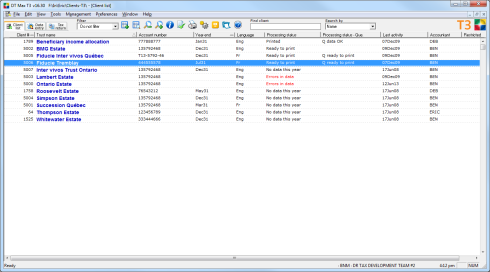 Click to enlarge |
Within this database, each trust you add is assigned a unique client number by the program. This enables DT Max to manage each trust taxpayer independently from the other clients present in the same database. You may display your clients by trust name, by fiscal year-end, or by client number. The client list is customizable, and can show as much or as little client information as you require. |
|
To display the client list, either click
the Client list icon  on the toolbar or press [F10].
 |
||


